Six Colors Unique Designs
Color: Brushed Nickel, Chrome, Matte Black, Oil Rubbed Bronze, Champagne Bronze, Antique Copper.
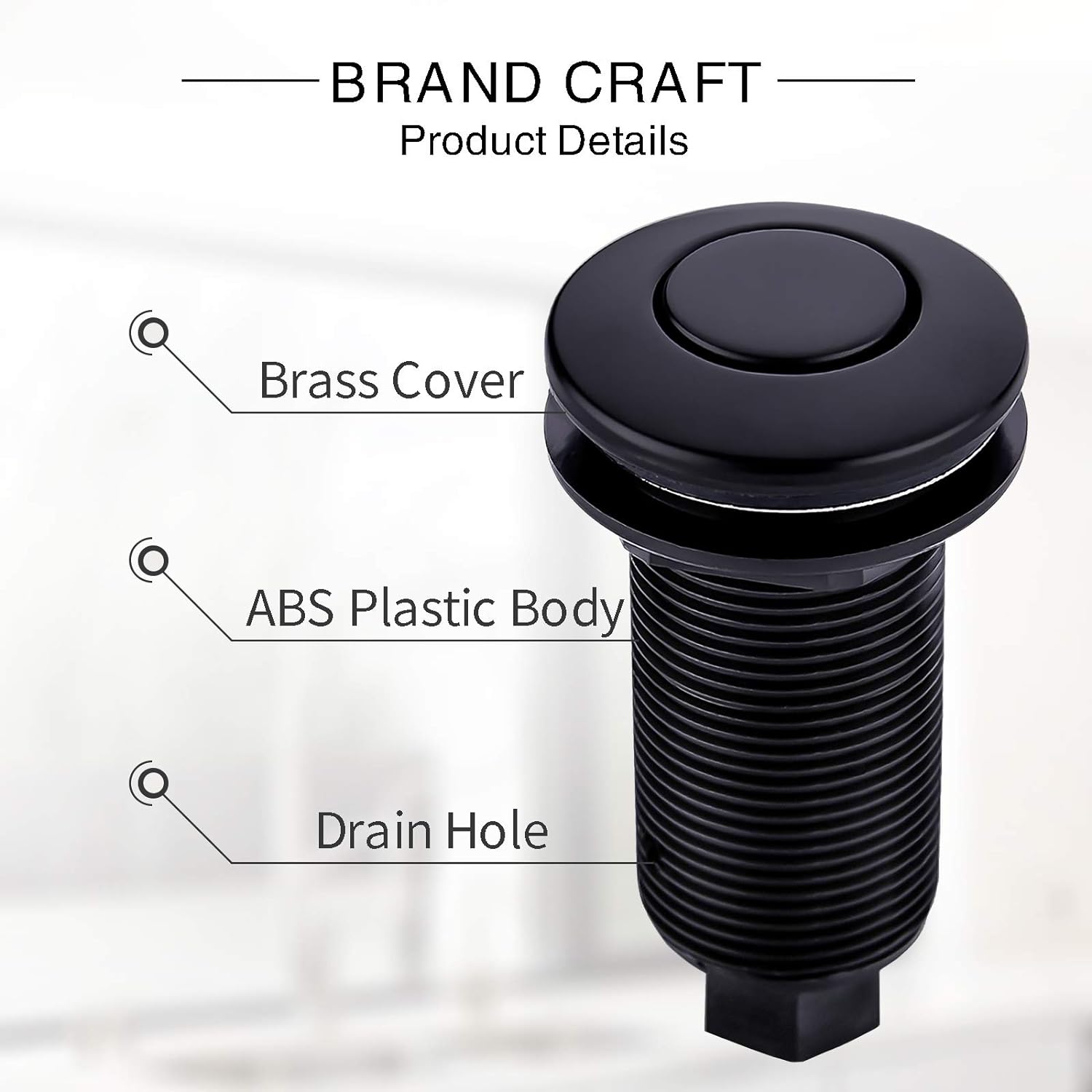
The cover of the plastic button is made of brass, value for money and durable.
Both buttons have drain holes and rubber gasket. Effectively prevent water entering the air tube and buttons.
Installation Steps
Air Switch Button Installation
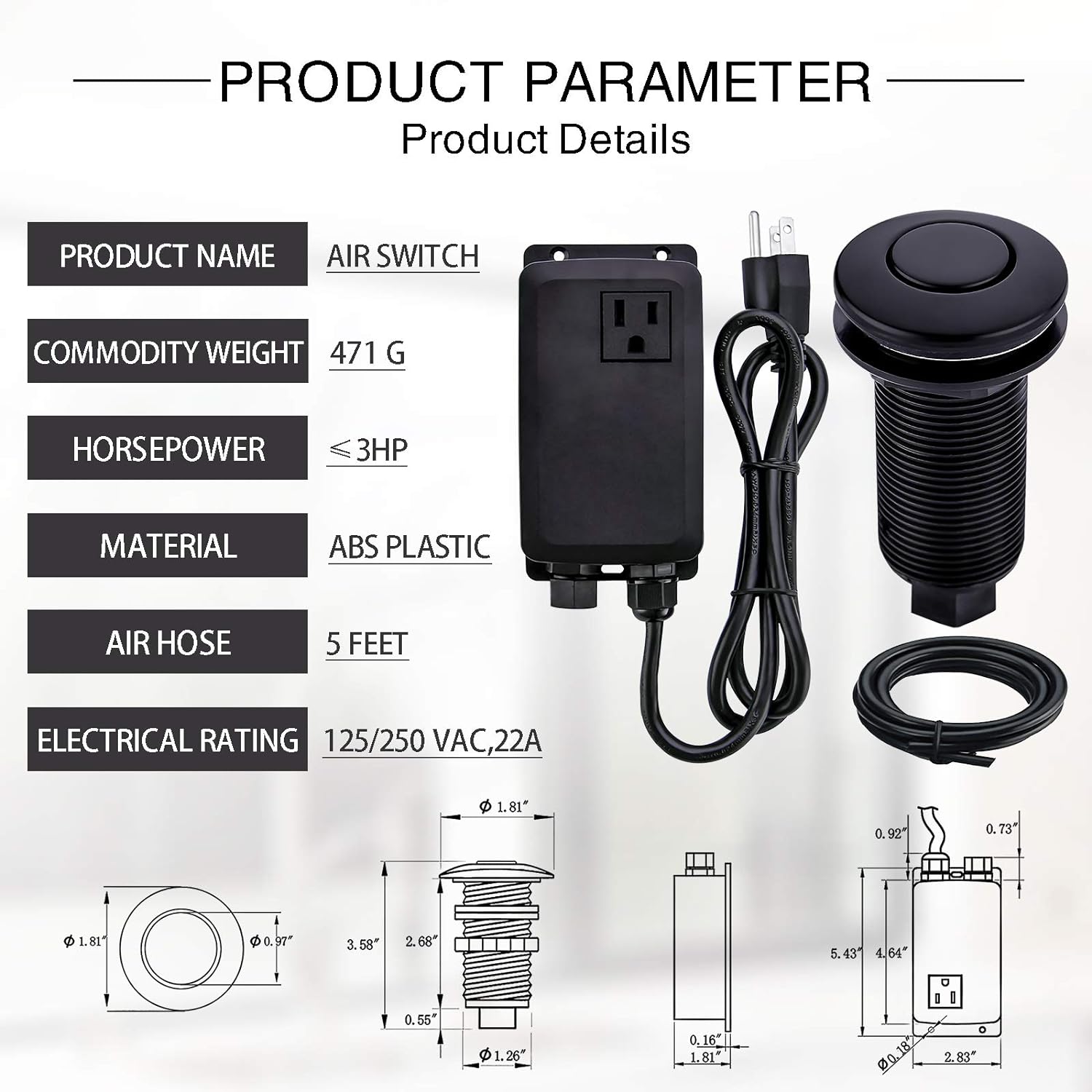
Install the buttons and accessories directly into the standard sink hole. Button mounting portion of the length of 2.68 inches.
In the order shown, Button--Rubber Gasket--Sink Top/Counter Top--Rubber Gasket--Metal Gasket--Screw Nut.
Tighten the plastic nut to ensure a seal.
Tips: Drill a hole with diameter not narrower than 1-3/8inches. Countertop or Sinktop not thicker than 2.50 inches.
Control Box Connect
Pass the air tube through the nut.
Then connect the nozzle of the air tube to the protrusion.
Push in forward.
Air Switch Kit Installation
Install air switch button on sink top.
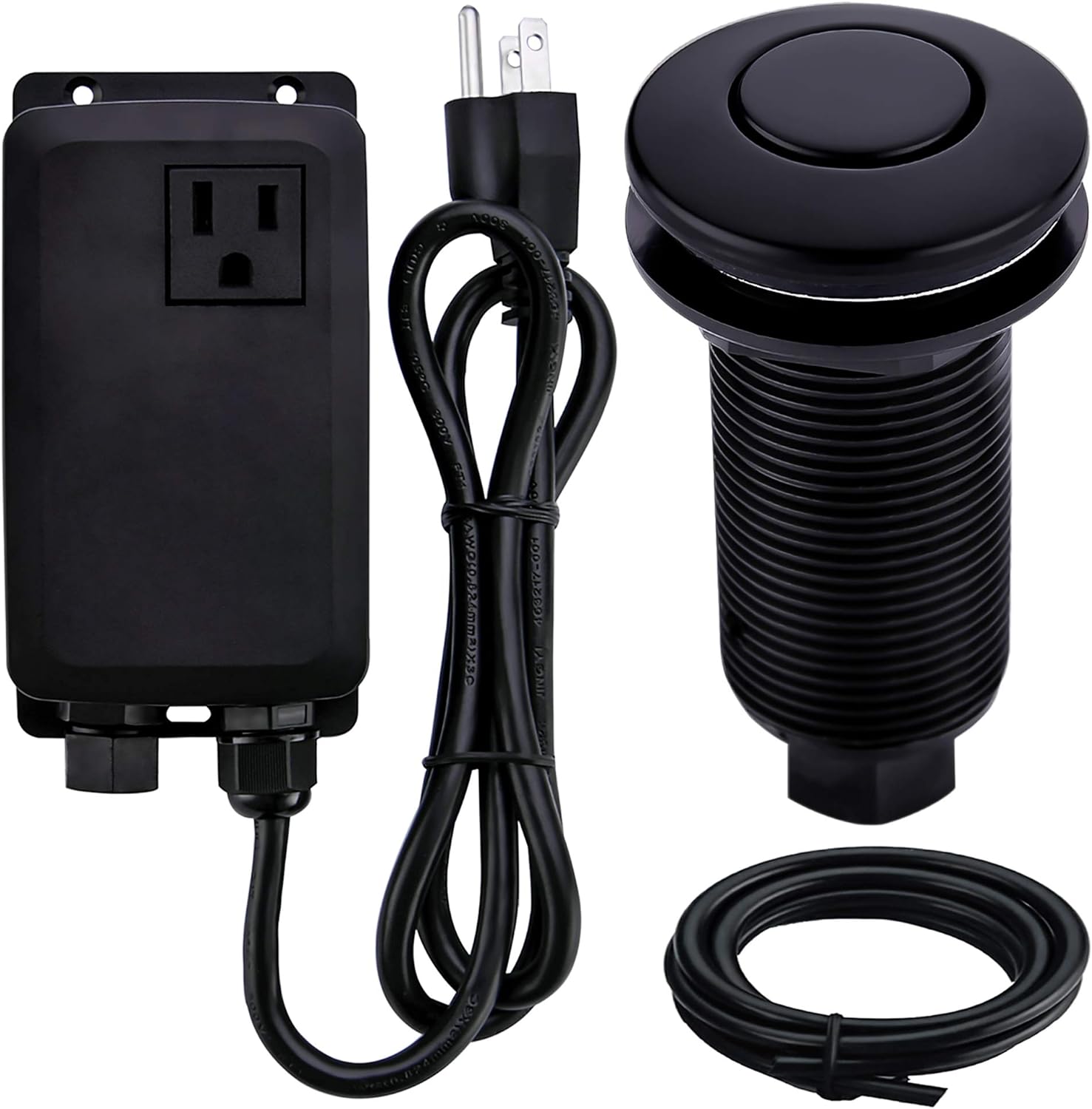
Use air tube to connect air switch button and power module.
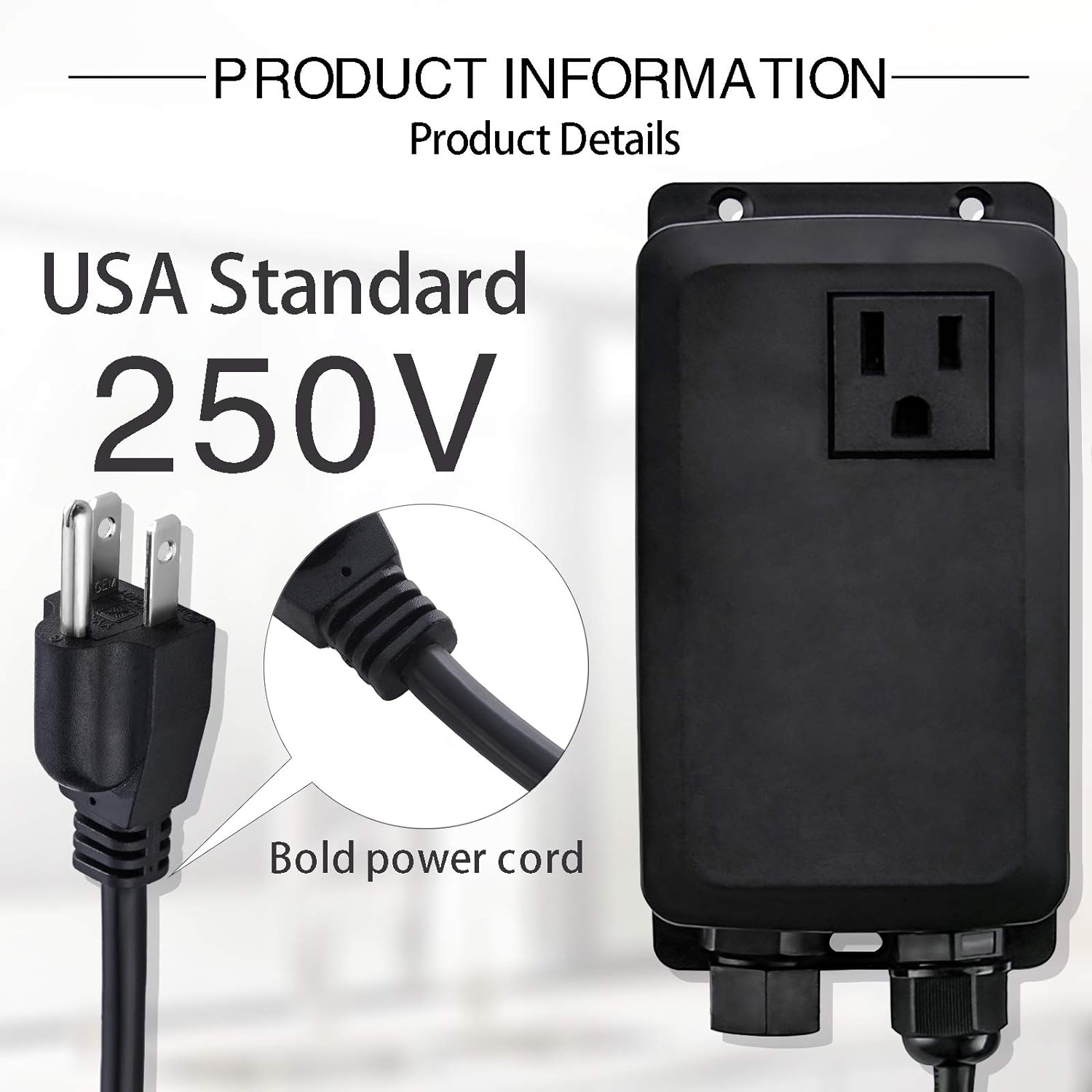
Connect the power cord of the garbage disposal to the power module.
Connect the power cord of the air switch set to the wall socket.
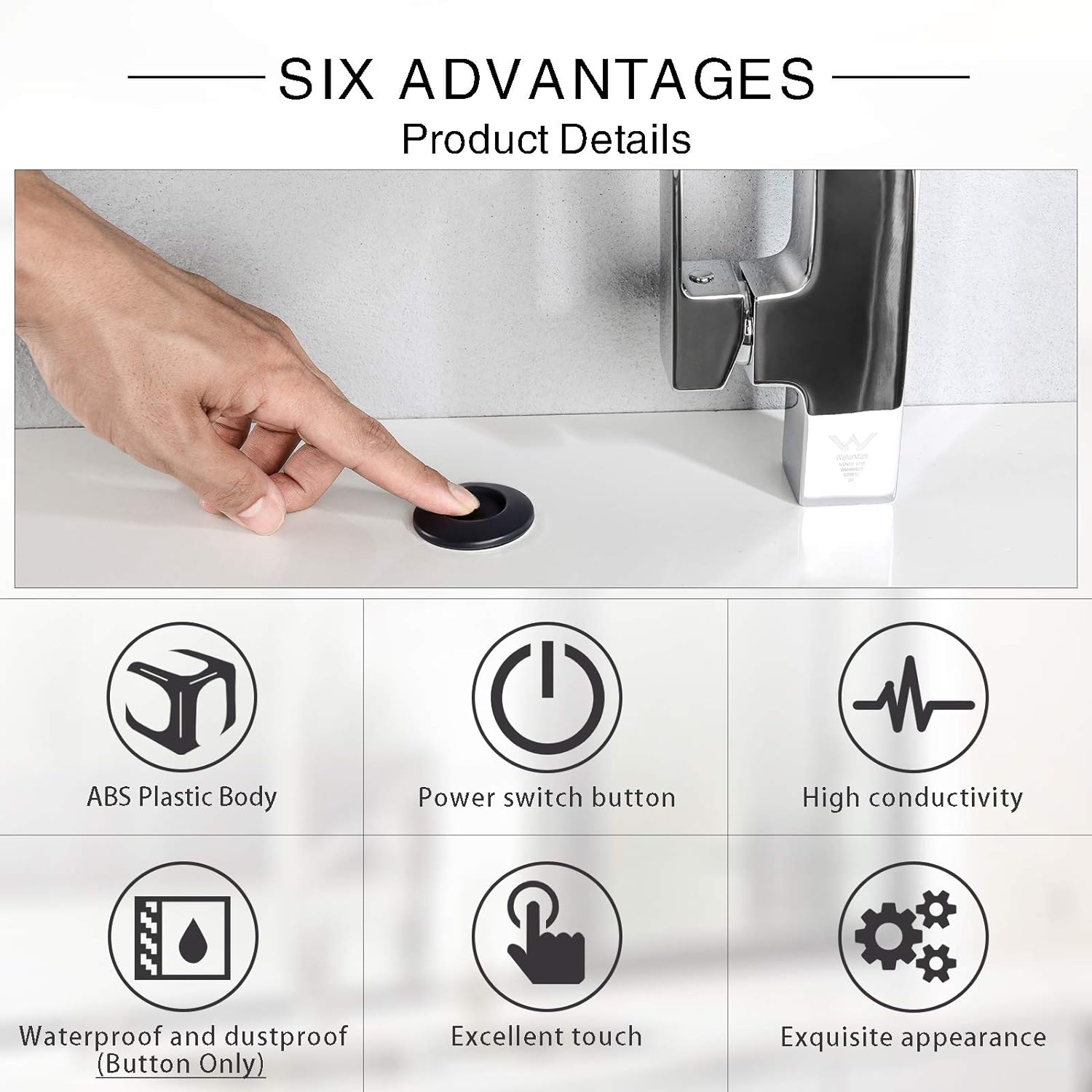
Tips: Gently press the air switch button to start the garbage disposal, press again to turn it off.
Water Faucet Shower Filter Mounting Ring Full Brass Button Air Switch Kit Air Switch Dual Outlet Air Switch Kit